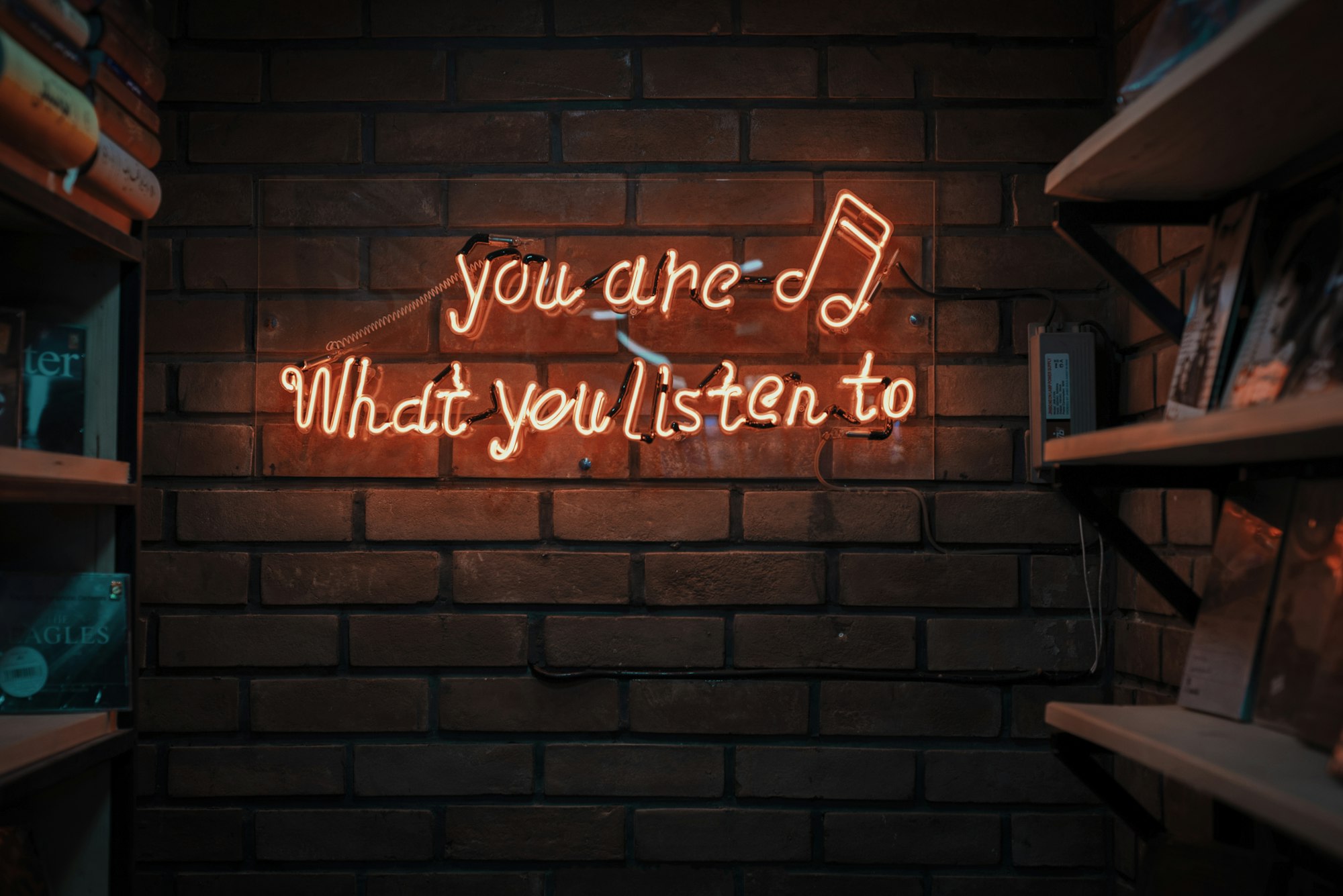
Podcast guesting puts you in front of an existing audience, while distribution gets your own show onto listening apps through a hosting service and an RSS feed. Both depend on clear positioning, good audio and consistent follow-through.
Part 1: Podcast guesting
Why guest on other shows
Guesting lets you reach listeners who already trust the host. It builds credibility, creates backlinks and relationships, and gives you practice speaking. It works best when you have something specific to say.
Define your angle
Hosts want guests who serve their audience. Prepare a short, clear statement of who you are, what you can speak about and what listeners will learn. Three specific talking points beat a long biography.
Find the right shows
Look for podcasts whose audience matches yours in size, topic and language. In Quebec, shows in French and English reach different communities, so choose with intent. Listen to a few recent episodes before pitching, so you understand the style and avoid repeating topics.
Write a short pitch
A good pitch is a brief courriel with:
- A personal reference to a recent episode.
- Who you are in one sentence.
- Two or three topic ideas tailored to their audience.
- A link to previous audio or video appearances or your portfolio.
- A simple call to action.
Do not send a mass copy-paste message. Follow up once politely if you do not hear back, then move on.
Sound good as a guest
Audio quality reflects on you and the host. Use a headset or external microphone, a quiet, soft room and a wired connection if you can. Test your setup in advance and ask whether the host wants a local recording backup. Read the podcast production guide for recording tips. If you do not have a quiet space, a studio or podcast room can be an option; ask Musitechnic about availability in Montreal.
After the episode
Thank the host, share the episode and tag them, and link to it from your site. Keep a list of appearances for your portfolio.
Part 2: Distributing your own podcast
How distribution works
You upload episodes to a podcast hosting service, which creates an RSS feed. Directories and listening apps read that feed. You submit the feed to each directory you want to appear in, and new episodes then appear automatically.
Choose a host
Compare hosts on storage and upload limits, analytics, ease of migration, support and terms. Keep ownership of your RSS feed and understand how to move your show if you change providers. Read agreements carefully.
Prepare your assets
- A clear show title and description with natural keywords.
- Cover art that is readable at thumbnail size and follows each directory's requirements.
- Episode titles and descriptions that explain the value.
- Show notes with links and, ideally, a transcript, which improves accessibility and search.
- Consistent metadata, including language settings, which matter for French content.
Submit to directories
Submit your feed to the main listening apps and directories. Requirements and processes change, so follow their current instructions. Verify your show appears correctly on a few devices.
Publish consistently
A regular schedule that you can sustain is better than an ambitious one you abandon. Batch recording, keep a content calendar and plan a few "bank" episodes. Launching with several episodes at once gives new listeners something to binge.
Promote with short clips
Short audio or video excerpts, quote cards and behind-the-scenes content from the recording drive discovery. Make your link easy to share, and invite listeners to follow.
Measure what you can
Use your host's analytics to see trends in downloads and episode performance, and treat the numbers as signals rather than guarantees. We cannot promise audience size or income from any show.
Mistakes to avoid
- Pitching without listening to the show.
- Poor audio in guest appearances.
- Losing control of your RSS feed.
- Publishing irregularly and without announcement.
- Ignoring rights: music and guest recordings need clear permission. See copyright and royalties basics.
Work with a community of creators
Guest swaps and cross-promotion are easier within a network. The Unica Creator Business Hub is a partnership for creators, artists, social media influencers and young startups. You can join as a referral partner (direct referrals only), and Unica incubation through Unica OS is included with your full-time program: 6 to 12 months for online full-time, or 12 to 20 months for on-campus full-time. A 90-day open pilot is for 20 businesses. Incubation has no cash value and is not transferable.
Ready to connect with other creators? Join the Creator Business Hub partnership.
FAQ
How do I get invited as a podcast guest?
Pitch shows that match your topic, personalize your message and propose specific ideas. Link to relevant audio or video samples.
What is an RSS feed?
It is the web feed your host creates that lists your episodes. Listening apps read it to show your podcast.
Do I need to submit my podcast to every app separately?
Usually you submit your feed to each major directory once, and new episodes update automatically.
How often should I publish?
At a frequency you can maintain consistently, whether weekly, biweekly or monthly.