Computer music production means writing, recording, editing, mixing and finishing music using a computer and a digital audio workstation (DAW). To get started you need a DAW, an audio interface and accurate headphones or monitors; everything else comes down to workflow and practice.
What computer music production actually covers
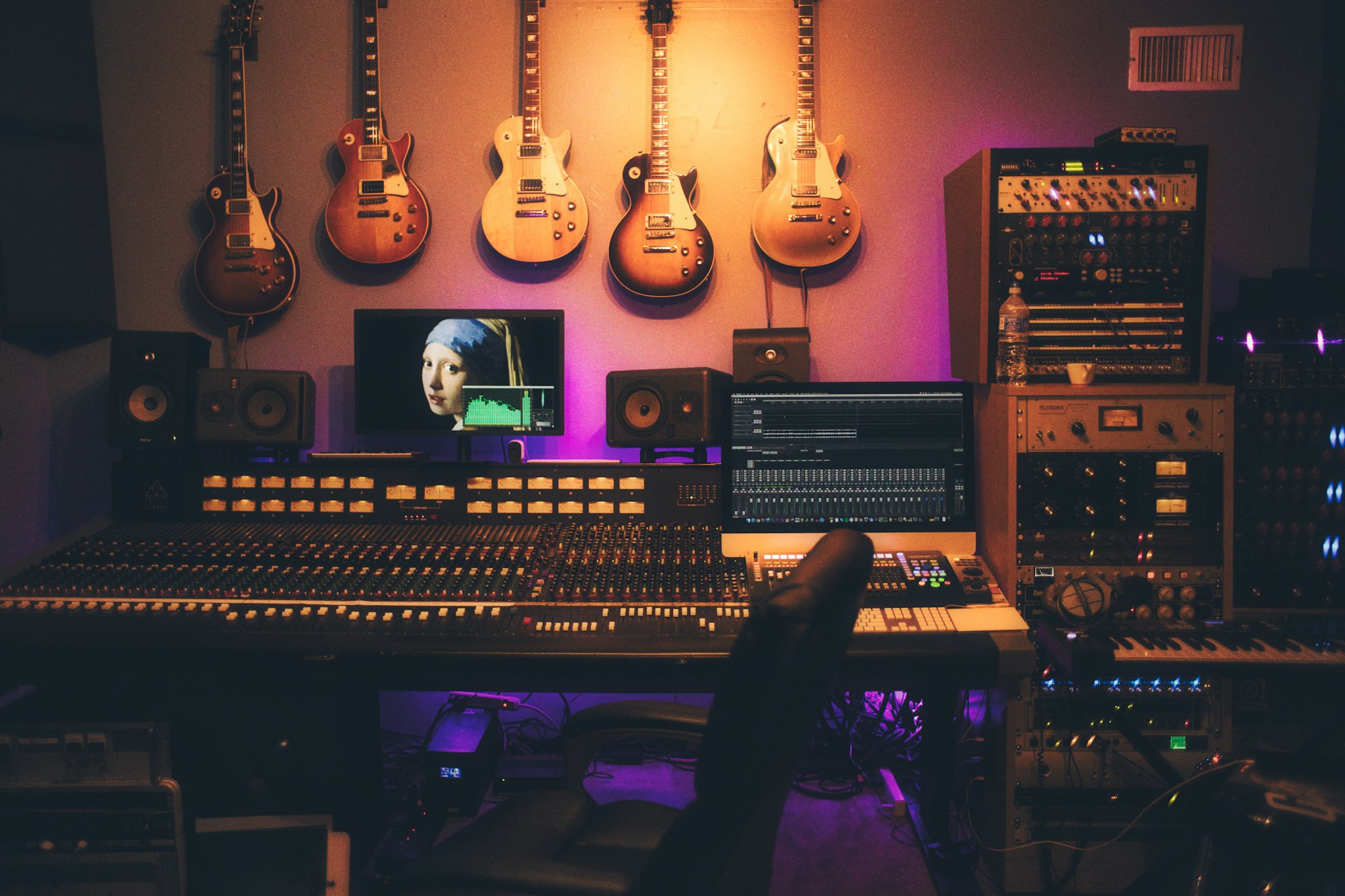
A single laptop can now do what once required a mixing console, multitrack tape machines, outboard processors and a room full of synths. In practice, computer-based production lets you:
- Record vocals and instruments as audio;
- Program virtual instruments with MIDI;
- Edit timing, pitch and arrangement non-destructively;
- Mix with EQ, compression, effects and automation;
- Deliver a finished file for streaming, mastering or sync.
The same fundamentals apply whether you're making beats, tracking a band, cutting a podcast, scoring film or building audio for video games. Gain structure, editing discipline and critical listening matter everywhere.
Choosing your DAW
The DAW is your studio. The most common options:
- Pro Tools: the long-standing standard in recording studios and post-production facilities;
- Ableton Live: a favourite for electronic music, sound design and live performance;
- Cubase and Studio One: versatile all-rounders with strong MIDI and audio tools;
- Logic Pro: popular with Mac-based producers.
There's no universally "best" DAW, only the one that fits your work. Our Pro Tools vs Ableton vs Logic Pro comparison breaks down the differences for students. Our advice: go deep on one before adding another. Tracks, buses, sends, inserts and automation work the same way across platforms, so the second DAW comes much faster.
Plugins extend your DAW with EQs, compressors, reverbs and virtual instruments. Names you'll see constantly in professional sessions include FabFilter, Waves, iZotope, Native Instruments and Universal Audio.
Essential hardware: interface, monitoring, microphones
Audio interface. It converts analog signals from mics and instruments into digital audio and back again for playback. It also provides mic preamps and usually phantom power for condenser microphones. A two-input interface covers most beginner needs.
Monitoring. Your ears are only as good as what you're hearing. Studio monitors or quality closed-back headphones give you an honest picture, but room acoustics matter just as much as the speakers. Untreated rooms lead to mixes that fall apart elsewhere. Our home studio guide for audio students covers smart, budget-conscious setups, and our piece on room acoustics for tracking goes further.
Microphones. One rugged dynamic mic and one versatile large-diaphragm condenser will handle most home-studio situations.
MIDI in plain terms
MIDI isn't sound. It's a set of instructions: which note, how hard, how long. A virtual instrument or hardware synth turns those instructions into audio.
That's what makes MIDI so flexible:
- Swap a piano part for strings after it's recorded;
- Fix a wrong note without re-tracking;
- Adjust quantization, velocity and tempo freely.
A small MIDI keyboard controller (25 or 49 keys) speeds things up dramatically, though you can draw everything in the piano roll if you prefer.
A professional production workflow
Most finished records move through the same stages, regardless of genre:
- Writing and demo: idea, tempo, key, rough structure.
- Recording: clean gain staging (no clipping), thoughtful mic placement, multiple takes.
- Editing: cleanup, comping, timing alignment, tuning.
- Arrangement: deciding what plays when, and what to cut.
- Mixing: balance, EQ, compression, space, automation.
- Mastering: final polish, consistency, and loudness suited to the destination platform.
Keeping these stages separate, instead of mixing while you write, is one of the biggest shortcuts to professional results. Stay organized too: clear track names, colour coding, group buses and frequent backups.
Your learning path: beginner to professional
Beginner. Commit to one DAW, learn its shortcuts and finish short songs. Finishing beats perfecting at this stage.
Intermediate. Dig into recording technique, EQ and compression. A/B your mixes against commercial references and train your ears every week.
Advanced. Work with other people: artists, podcasters, video creators. Learn to run complex sessions, meet deadlines and manage feedback. Start exploring a specialty such as mixing, post-production or game audio.
Professional. What separates pros is time in real studios, critical listening and a network. Structured training accelerates this step. At Musitechnic (Collège Unica) in Montreal, the Sound Recording and Design A.E.C. (NNC.0S) opens with an introduction to DAWs and computer-based production, then moves through music creation, mixing, post-production and audio for video games over 960 hours. It's also available 100% online.
FAQ
Can I learn computer music production on my own?
Yes, the basics are very learnable on your own. Reaching a professional level is faster with expert feedback, studio time and a structured curriculum.
What kind of computer do I need?
A recent computer with enough RAM and an SSD is fine to start. Check your DAW's system requirements against your operating system before buying anything.
Is music production the same as audio engineering?
They overlap. Production focuses on creating and shaping the music; audio engineering focuses on capturing, processing and mixing sound, in music and beyond, including film, broadcast and games.
Take your production skills further
If you're ready to turn computer music production into a professional skill set, explore the Sound Recording and Design program, offered on campus in Montreal or fully online. The best way to get a feel for it is to see the studios in person: book a campus visit or head to Admission to get started.