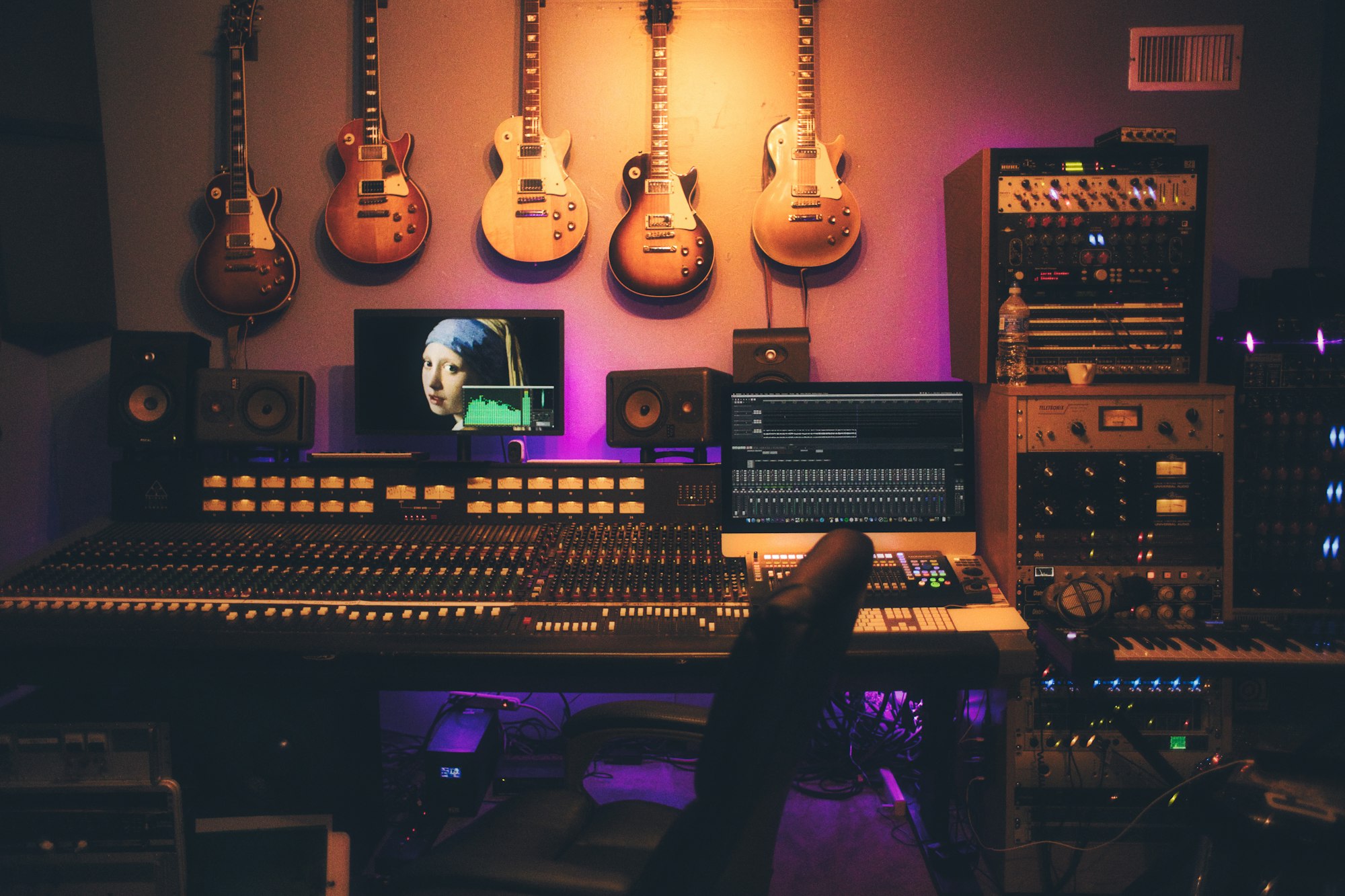
The cue mix a singer hears in their headphones shapes how comfortably they perform. A harsh or unbalanced feed can push a vocalist to strain or hold back unnecessarily. The fix is practical, not mystical: build a dedicated headphone send, choose one clear monitoring path, set a comfortable level with the performer, and keep any cue effects off the recorded track.
Route a dedicated cue send before the artist arrives
Create a pre-fader auxiliary send bus named "Vocal Cue". Route sends from the backing tracks and the live vocal channel into this bus, and output it to the headphone amplifier. Pre-fader sends keep the cue balance stable even while you adjust the main mix faders.
Choose one dry monitoring path for the vocalist's live mic: either the interface's direct-monitoring hardware path, or the DAW input through its input-monitoring. Running both at once creates a doubled, slightly delayed dry feed that smears the voice. Note that the interface direct path may bypass DAW inserts — so if you need live plugins on the cue (compression, reverb), use the DAW monitoring path, but then latency applies.
A soundcheck example
Hypothetical: a singer arrives for a pop vocal. You put on their headphones and play the backing track. The kick and piano are clear, but the singer says the guitar is buried. You raise the guitar send by a couple of decibels only. You ask: "More of yourself, or more track?" They ask for a touch more vocal, so you nudge the vocal send. Then you add a short reverb on a separate cue-only aux and ask whether it helps them pitch.
Change one level or effect at a time, and listen to the singer's reaction each step. Finally, record a short test pass and play it back to confirm the recorded file is dry — no cue reverb or effects printed unintentionally. This playback check catches routing mistakes before the real take.
Latency: test your actual session
DAW monitoring latency depends on the interface, sample rate, buffer size, and any plugins on the monitoring path. Smaller buffers reduce latency but may cause dropouts or clicks on a loaded session. There is no universally safe number — test the actual session at the buffer you plan to track at, and confirm it plays cleanly.
If latency bothers the singer, try direct hardware monitoring (no DAW plugins on the cue path) or raise the buffer only as far as stability allows. Keep monitoring at a comfortable headphone level — separate from input gain — so the performer can hear clearly without fatigue.
Reverb and effects: optional, by preference
Reverb in the cue is a performer preference, not a requirement. Some singers feel more confident with a little room sound; others prefer it completely dry. When you want a clean, dry recorded take, route any cue reverb strictly to the headphone aux and never to the record channel. Ask the singer what they want rather than assuming.
Cue mix checklist
- One pre-fader aux bus dedicated to the headphone feed.
- One dry monitoring path chosen (interface direct or DAW), not both.
- Backing track balanced so rhythm and harmony anchors are audible.
- Vocal level set with the singer at a comfortable headphone output.
- Latency tested at the tracking buffer; dropouts and clicks checked.
- Any reverb or effects on a cue-only aux, not the record path.
- Headphone bleed checked at the mic; backup headphones ready.
Common cue mix mistakes
A frequent mistake is mirroring the control-room mix into the headphones — that balance serves the engineer, not the singer. Another is printing cue reverb onto the recorded channel. Running two dry monitoring paths at once, ignoring the singer's level requests, and assuming a fixed buffer setting works without testing are all easy errors to avoid with a quick soundcheck.
Next steps in session management
In your next vocal tracking session, build the headphone cue mix on a pre-fader aux, choose one monitoring path, and soundcheck it with the performer before recording. To explore studio recording and session workflow further, discover our sound recording and design program.
Learn professional studio routing
Explore recording, cue routing, and session workflow in a guided program.
Book a studio visit